"We Build Websites That Work – Attractive, Fast & Creative"
Responsive design. Responsible development.
What is Website ?
A website is an online space that represents you or your business in the digital world. It is accessed through a domain name and displays content such as text, images, videos, or products stored on a server. Simply put, a website is a group of web pages linked under one domain, built to share information or provide services to visitors.
Example: www.wikipedia.org is a website that provides free knowledge and information on various topics. It is a collection of web pages designed to educate and inform users worldwide.
Types of Websites...
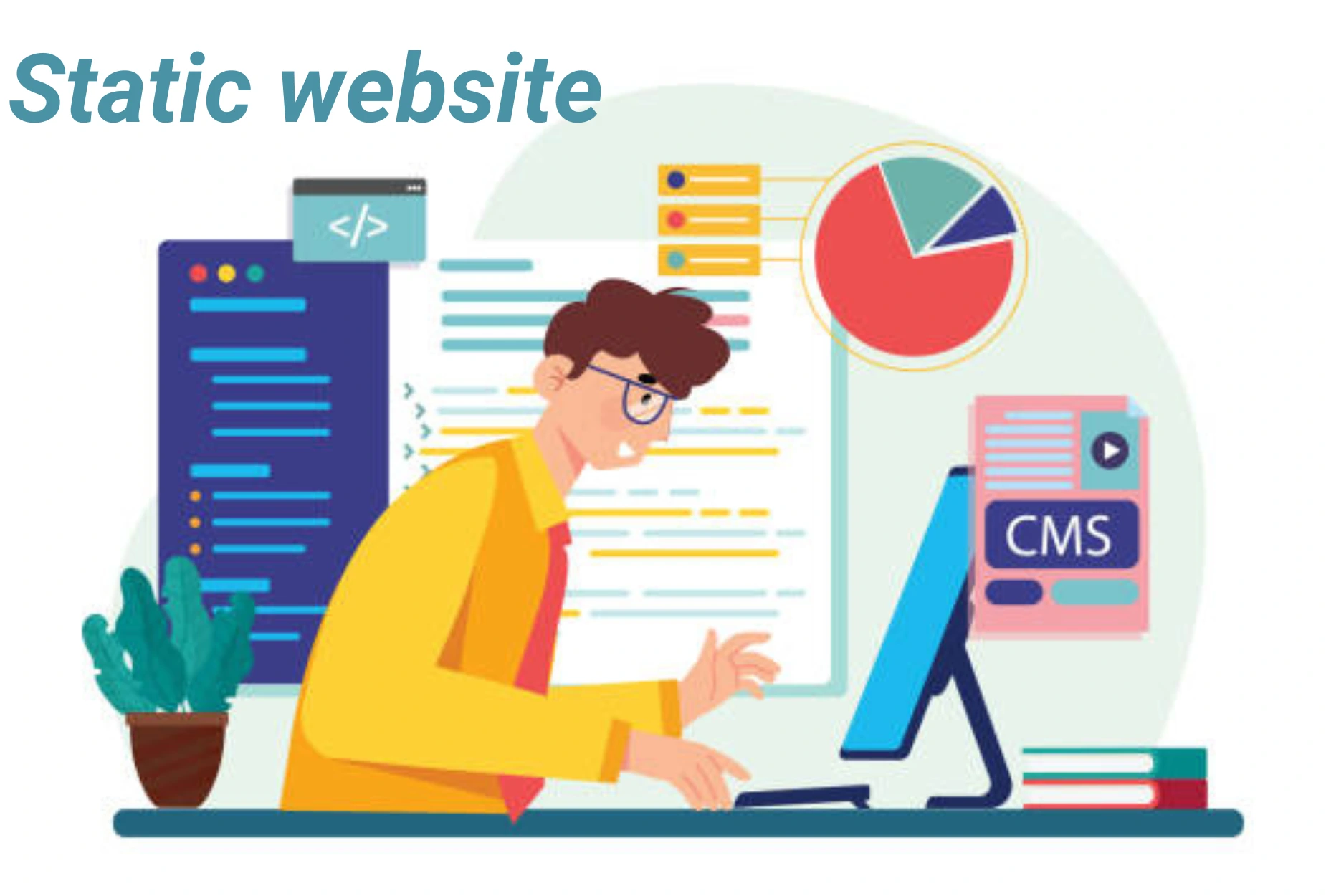
Static Website
A static website is a site where each web page is manually created using basic web technologies like HTML, CSS, and JavaScript. The content on these pages doesn't change unless a developer edits the code directly, making it ideal for websites with consistent or rarely updated information.
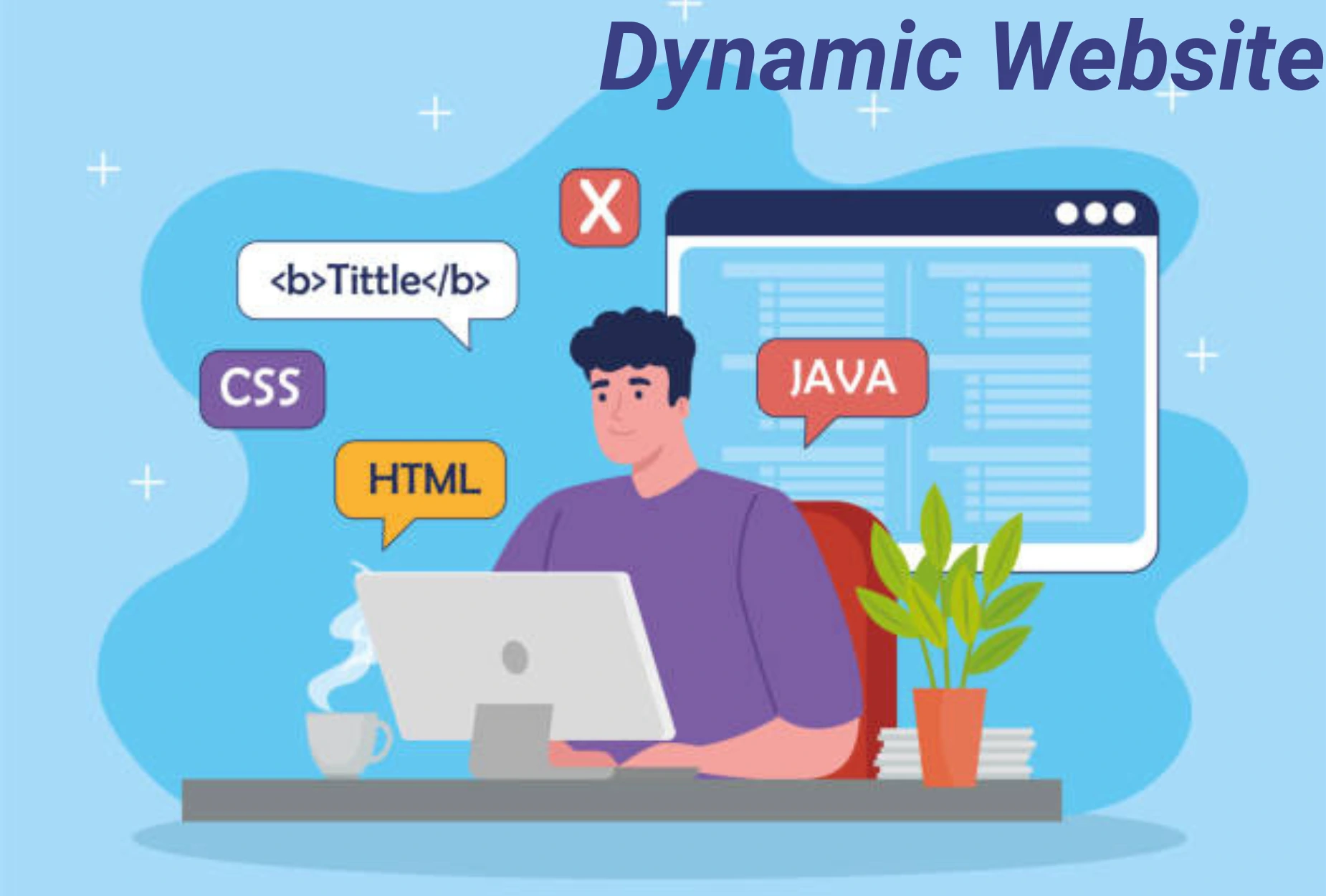
Dynamic Website
A dynamic website is a site that shows different content and allows user to interact based on factors like time, user preferences, or actions. Unlike static websites, which present the same information to every visitor, dynamic websites can change content in real-time.
Categories of Website
Educational Websites
Educational websites help people learn new things. Which are useful for students, teachers, and anyone interested in gaining knowledge. These sites provide study materials, videos, quizzes, and interactive lessons on various subjects like math, science, and language. Example- Khan Academy, Udemy. e.t.c.
Entertainment Websites
Entertainment websites are a type of a websites designed to keep people entertained. The primary goal of these websites is to entertain visitors through videos, music, games, articles, and other forms of engaging content. Examples include Netflix, YouTube, and gaming news sites.
Personal Websites
A personal website is a site made by an individual to share information about themselves People use personal websites to express themselves, show their skills, or build an online presence. It’s like having your own space on the internet.. It can include details like their bio, hobbies, work, portfolio, blog, or resume.
E-commerce Websites
An e-commerce website is a site where people can buy and sell products or services online. Customers can browse items, add them to a cart, and pay securely through the website. It works like a digital shop that is open all the time. Examples include Amazon, Flipkart, and Myntra.
News Websites
A news website shares the latest information about events happening around the world.They help users stay informed quickly and easily using the internet and It covers topics like politics, sports, entertainment, weather, and more. News websites update regularly, allowing people to read current stories anytime.
Portfolio Websites
Individuals like photographers, writers, designers, and artists use portfolio websites to showcase their work samples and attract potential clients or employers. These sites often feature visual galleries, case studies, and contact information. Platforms like Behance and personal websites serve this purpose.
What is Domain ?
A domain name is the easy-to-remember address that people use to access a website. It is the human-friendly label that acts as a substitute for a website's complex numerical address, known as an IP address.
Think of a domain name like a contact's name in your phone book: it allows you to call the right person (or website) without having to memorize a long, complicated phone number (the IP address).
What is Hosting ?
Web hosting is a service that allows individuals and organizations to make their website accessible on the Internet. Essentially, you are renting space on a powerful computer (called a server) that is constantly connected to the web.
Think of it like this:
- Your website is a house (the files, images, code).
- Your domain name is the street address.
Important Elements of a Website
- Domain Name – Your web address (e.g., www.growthdigi.info), easy and brand-friendly.
- Web Hosting – Server that stores your site, ensures speed, uptime, and security.
- Homepage – First page; explains who you are and what you do.
- Navigation Menu – Guides visitors to pages; simple and clear.
- Content – Text, images, videos, or products; must be engaging and useful.
Types of Hosting ?
1.Shared Hosting – Many websites on one server. Affordable, but like sharing one Wi-Fi with the whole neighborhood.
2.VPS Hosting – You get your private space in a shared building. Balanced control and cost.
3.Dedicated Hosting – Your own server, your rules. Power, speed, and freedom.
4.Cloud Hosting – Instead of one server, your site lives in a network of servers. If one fails, another takes over instantly.
5.Managed Hosting – Hosting + expert care. Perfect for those who want to focus only on growth while the provider handles the tech.
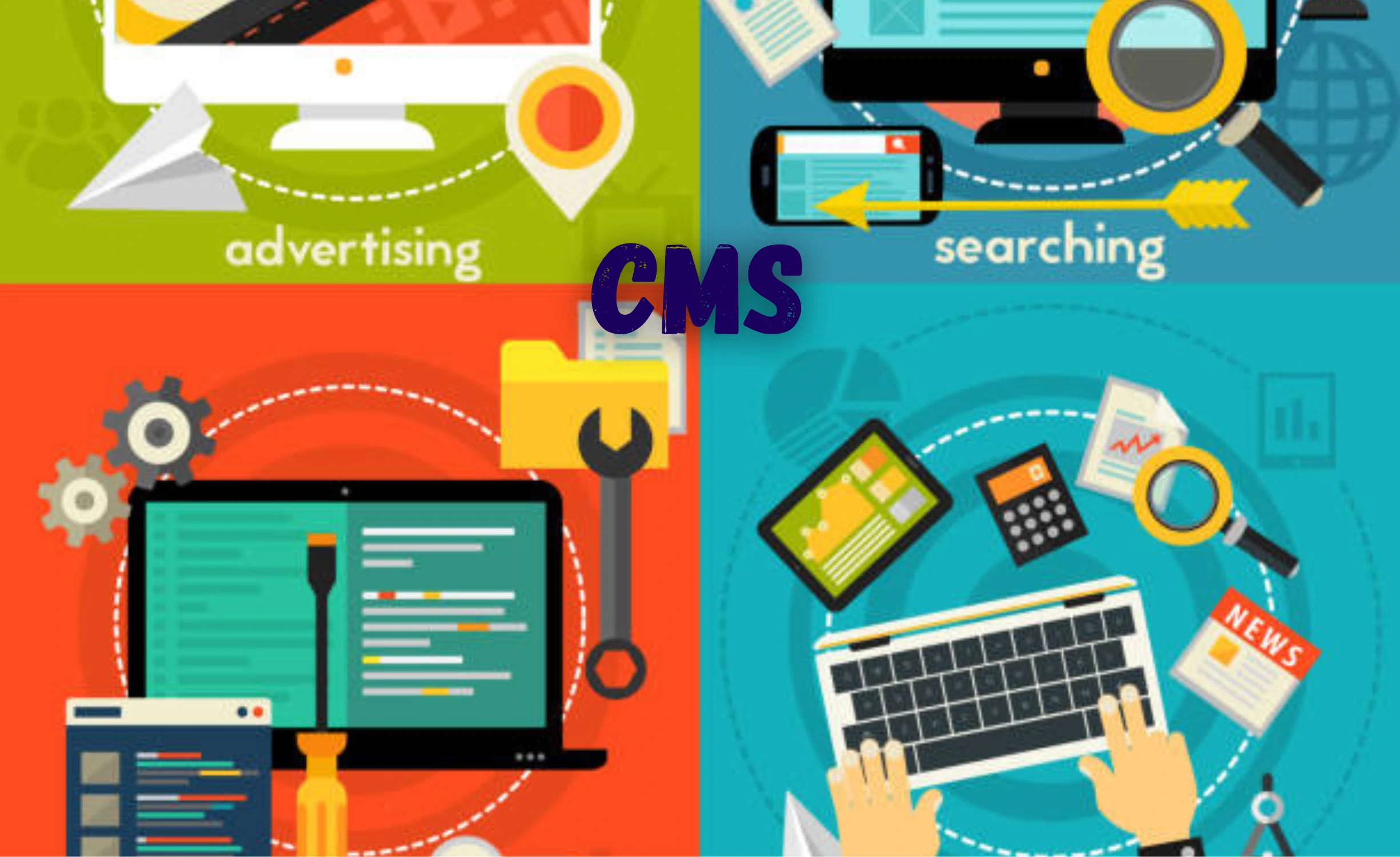
What is CMS ?
A CMS (Content Management System) is a software application that allows individuals or organizations to create, manage, and publish digital content—without requiring deep technical knowledge of programming or web development. In simple words, it is like the "backbone" of a website that gives you the power to write, edit, organize, and update content online with ease.
Think of it as a digital office: where you can store your articles, images, videos, and web pages, and then arrange them however you want—without touching complex code
Tools for Website Development



FAQ (Frequently Ask Question)
An approach that makes web pages render well on a variety of devices and screen sizes (desktops, mobiles, tablets) using CSS Media Queries.
A fundamental concept describing how elements are rendered as boxes, comprising the content, padding, border, and margin.
It's a lightweight, in-memory representation of the actual DOM used by React to efficiently calculate and apply only the necessary changes for better performance.
Web applications that use modern web capabilities to deliver an app-like experience (fast, reliable, installable, and with offline access) to users via a browser.
AI is used for Automating tasks (like coding assistance and debugging), enhancing security, and enabling personalized user experiences (e.g., chatbots).